
Upload anything
JPEG, HEIC, RAW from ten camera makers, and video, up to 50 MB each. Duplicates are caught by checksum.
PhotoMemory is a private photo library. Upload from anywhere, and find any picture by who is in it, where it was taken, when, or what camera shot it — then share it on your terms.
15 GB free · one Thundera account · cancel anytime
Product
Upload once. Metadata, thumbnails, places and faces are handled for you.
JPEG, HEIC, RAW from ten camera makers, and video, up to 50 MB each. Duplicates are caught by checksum.
Faces are grouped by our own ML service. Name a person once and every photo of them lines up. Merge duplicates in a click.
GPS from the EXIF is reverse-geocoded to city and country. Browse by place on a map or day by day on the timeline.
Combine text, camera, dates, tags, favourites and people. Find “the Fuji shots from Lisbon last June”.
Send an album or a photo to an email address, or as a link with a password, an expiry time and a view limit.
Invite family by email with owner, admin or member roles and browse one shared stream.
Library
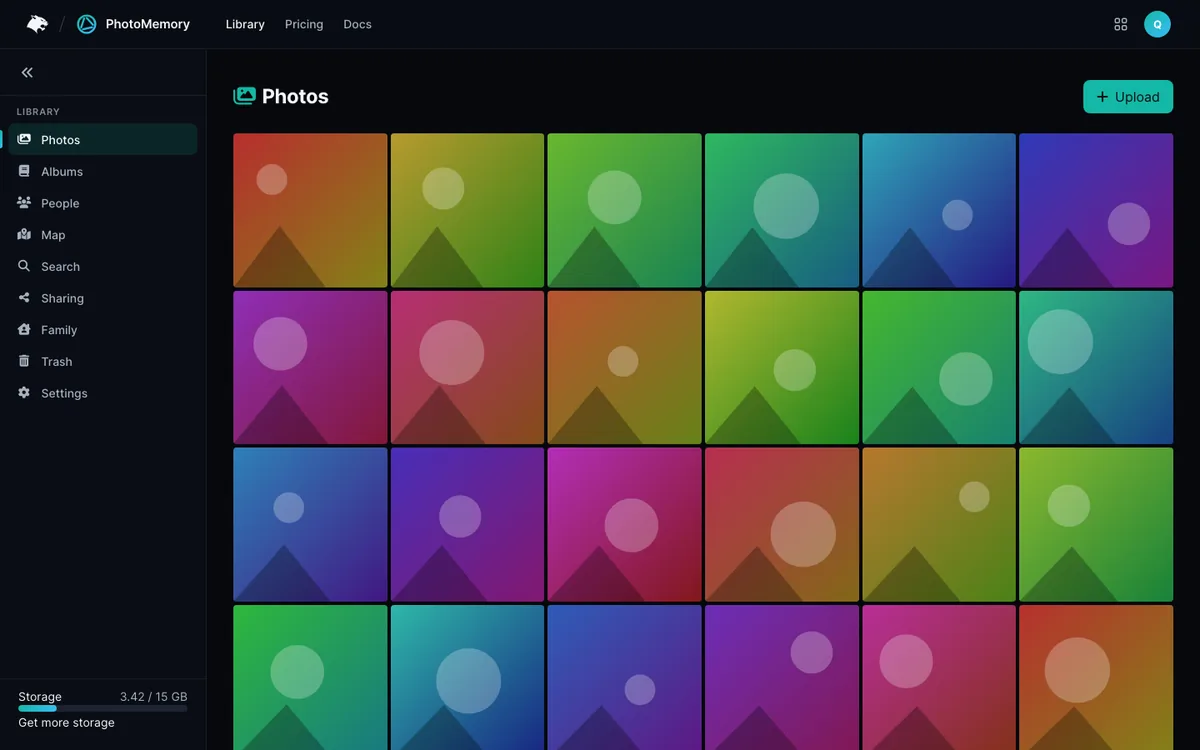
A dense grid that loads thumbnails first, an optimised copy for everyday viewing, and the untouched original one click away.
Albums & sharing
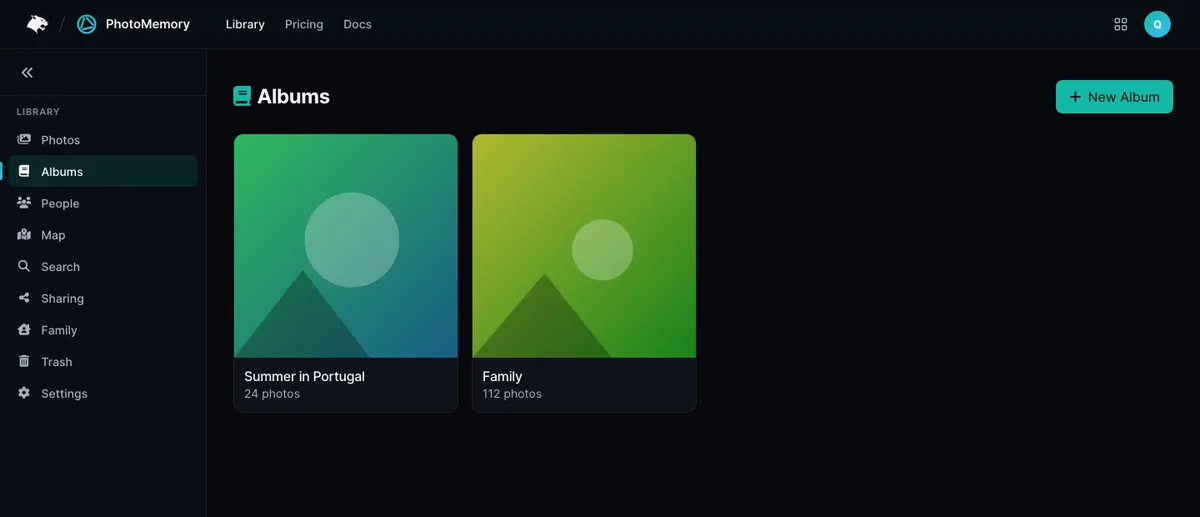
Build albums by hand and hand them out with exactly the access you intend. Revoke any share from one list.
Privacy
No ads, no scanning of your account, no model training on your memories. Here is exactly what we do instead.
At rest
Every original is encrypted before it is written to storage. Thumbnails are served through short-lived signed links. To be precise: the key is held by the service, so this protects stored data, not against the service itself — we say so plainly in the security docs.
Recognition runs on our own service and embeddings are per user. Nothing goes to an outside provider.
Per-IP rate limits, strict security headers and single sign-on.
Download any original, or mirror everything to a folder with the desktop client.
Sign-in, plans and invoices are shared with every Thundera app.
How it works
Use your Thundera account — no separate registration. Start on the free 15 GB plan.
Drop photos in the browser or point the desktop client at a folder. Metadata, places and faces are processed automatically.
Find by person, place, date or camera. Share an album or keep it to yourself.
Desktop sync
The photomemory client syncs both ways. Thick mode mirrors originals; thin mode keeps only thumbnails and fetches originals on demand.
# one-time setup
pip install ./sync-client/
photomemory login
# keep it running
photomemory watch
# thin mode: fetch one original
photomemory fetch <photo-id>
Ecosystem
One sign-in across every product, one place for plans and invoices, and an apps menu on every page.
Sign in at auth.thundera.eu and every Thundera app recognises you.
Plans and invoices for all apps in one place; your storage follows your plan automatically.
Jump between PhotoMemory and its siblings from the bar at the top of every page.
Pricing
Live from the central Thundera plan catalogue. Start free, upgrade when you need space.
FAQ
No. Face recognition runs on PhotoMemory's own service and photos are never used to train models or shared with third parties.
Originals are encrypted at rest with AES-256-GCM and a key held by the service. It is not zero-knowledge: the service decrypts originals to serve them to you.
JPEG, PNG, GIF, WebP, BMP, TIFF, HEIC, HEIF, AVIF, ten RAW formats and common video formats, up to 50 MB per file.
Yes. Download any original, or use the desktop client in thick mode to mirror the library to a folder.
At auth.thundera.eu/billing. Your storage limit updates within about 30 seconds.
They stay in the Trash for 30 days, then are permanently removed.